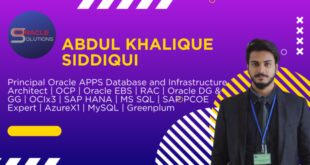
I have total of 17 years and more than 15 years experience in Oracle ERP E-Business Suite R11i , R12.1.3 , 12.2.4 to 12.2.11 with Oracle 10g/11g/12c and 19c with Red Hat / Oracle Enterprise Linux Environments.
I am Working as Oracle EBS APPS Database Consultant in Advanced Operations Technology, A Saudi Arabian IT/ERP Consulting firm, I am responsible for New Technical Implementations, Upgradation, Migrations and Providing 24x7 support for critical ERP Production Application & Databases.
Specialties:
Oracle Application Oracle E-Business Suite R12
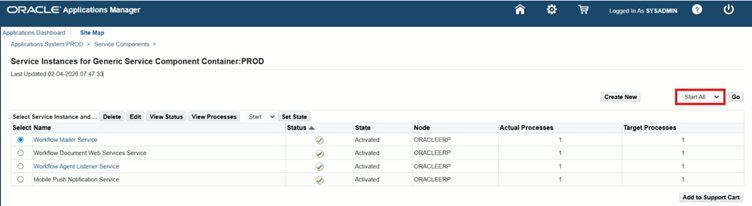
Oracle Applications System Administration
Oracle Applications Database Administration
 Oracle Solutions We believe in delivering tangible results for our customers in a cost-effective manner